Social Media Links
Open Studio → Website → Details → Contact information.
Under Social links, the subtitle is Profiles linked across your site.
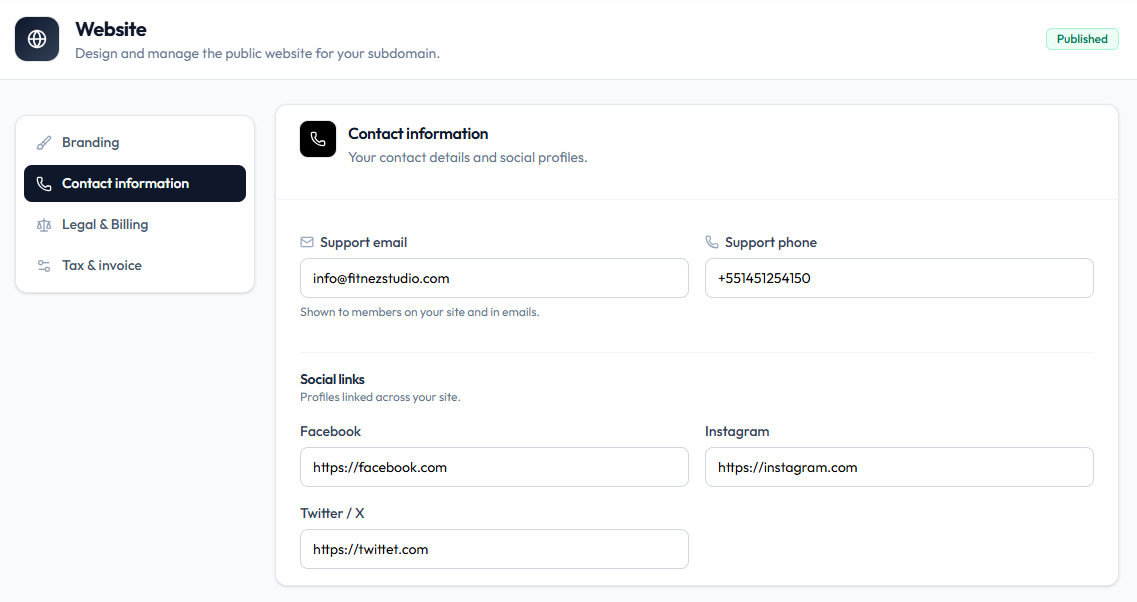
Platforms on Screen
| Field | Example on capture |
|---|---|
https://facebook.com | |
https://instagram.com | |
| Twitter / X | https://twittet.com |
Paste the full profile URL for each platform. After you save, open the public site and check each link.
Steps
Step 1 — Open Contact information
Studio → Website → Details → Contact information.
Step 2 — Add URLs
Enter Facebook, Instagram, and Twitter / X.
Step 3 — Save
Save Details, then verify the icons on the live site.
Related Articles
Last updated on