Gender Restrictions
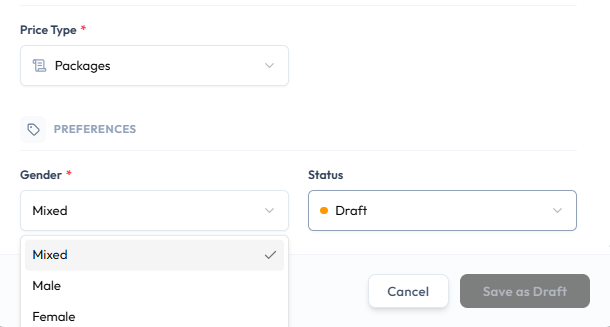
On Create New Class and Edit Class, Gender under PREFERENCES limits who the class is for.
Gender Options
Open the Gender dropdown. The options are:
- Mixed
- Male
- Female
| Option | Typical use |
|---|---|
| Mixed | The session is open regardless of gender |
| Female | The session is for women |
| Male | The session is for men |
Gender is required.
How booking is blocked if the wrong gender tries to book is not shown on this form. Settings may also include a business-wide switch for female-only or male-only classes. That settings screen is not in this module.
Related Articles
Last updated on