Password & Security
Your password protects the dashboard — members, payments, and bookings. Anyone signed in as you can act in your name. Recent Activity records package and wallet events against the signed-in staff user.
Keep Credentials Secure
- Use a password only you know
- Do not share it with teammates
- Sign out on shared computers — see Signing Out
- Administrators should use their own accounts, not one shared login
Never share your password with another person, even if they are a member of your team.
Change Your Password (Signed In)
On User profile, click Change password, then complete Current password, New password, and Confirm new password. New password helper: Must be at least 8 characters long. See Changing Your Password.
If You Forgot Your Password
On the login page, click Forgot password? Enter Email * and Submit. The next screen is Reset Link Sent (If an account exists for this email, an OTP has been sent). See Forgot Password.
If You Think Someone Else Used Your Account
- Change Your Password if you can still sign in.
- Review Recent Activity for package and wallet events in your name.
- Tell an authorised administrator. They can check whether your account is Active on Members.
There is no authenticator or two-factor step on the Sign in form. Reset Link Sent says an OTP has been sent if an account exists for the email.
Related Articles
Changing Your Password
Change your password on User profile while you are signed in.
Until you open the form, the Password card shows:
- Title Password
- Subtitle Update your password to keep your account secure.
- Button Change password
- Note: Your password is protected. Click Change password to update it.
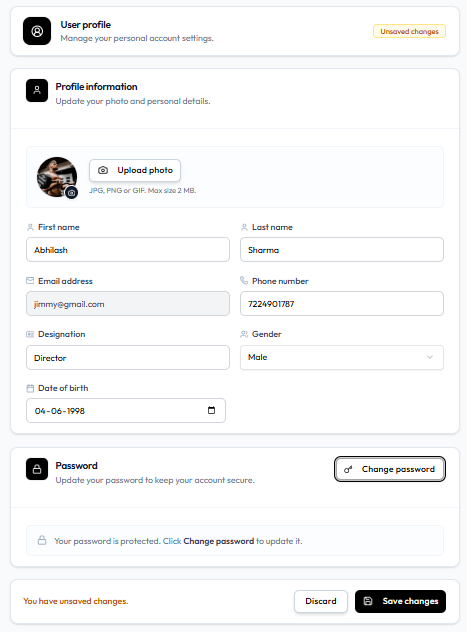
Workflow — Change Password
Header photo → Profile → Change password → Update password
Step 1 — Open Profile
Header photo → Profile, or Settings → Account → Profile.
Step 2 — Click Change Password
The card then shows three fields and Cancel (key icon) in the top-right of the card.
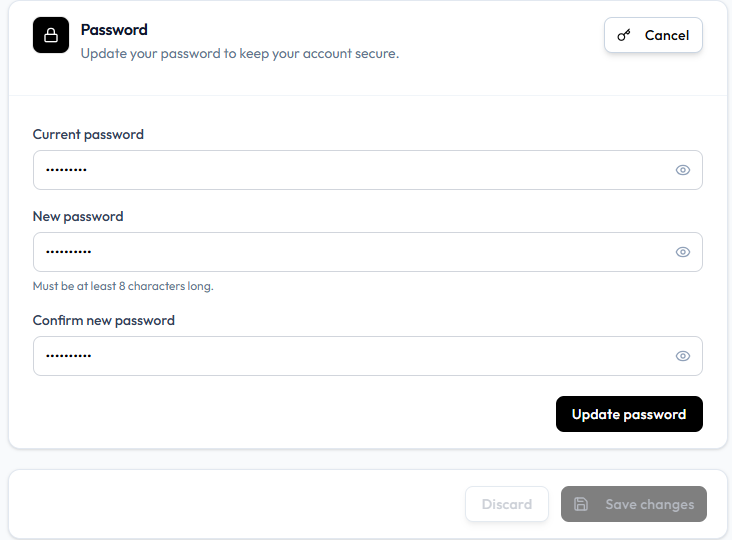
| Field | On screen |
|---|---|
| Current password | Masked, with an eye icon |
| New password | Masked, with an eye icon. Helper: Must be at least 8 characters long. |
| Confirm new password | Masked, with an eye icon |
Step 3 — Click Update Password
The page footer can still show Discard and Save changes. On this capture Save changes is greyed out. Use Update password for this card.
The only password rule on this form is Must be at least 8 characters long. There is no on-screen list of uppercase, number, or special-character rules. Create Member uses At least 8 characters.
If you cannot remember the current password, sign out and use Forgot Password.
When an administrator creates your account, the form says to share the credentials and ask the person to change the password after first login. Use this page to do that.
Forgot Password
If you cannot remember your password, start on the login page. Do not use a teammate’s login.
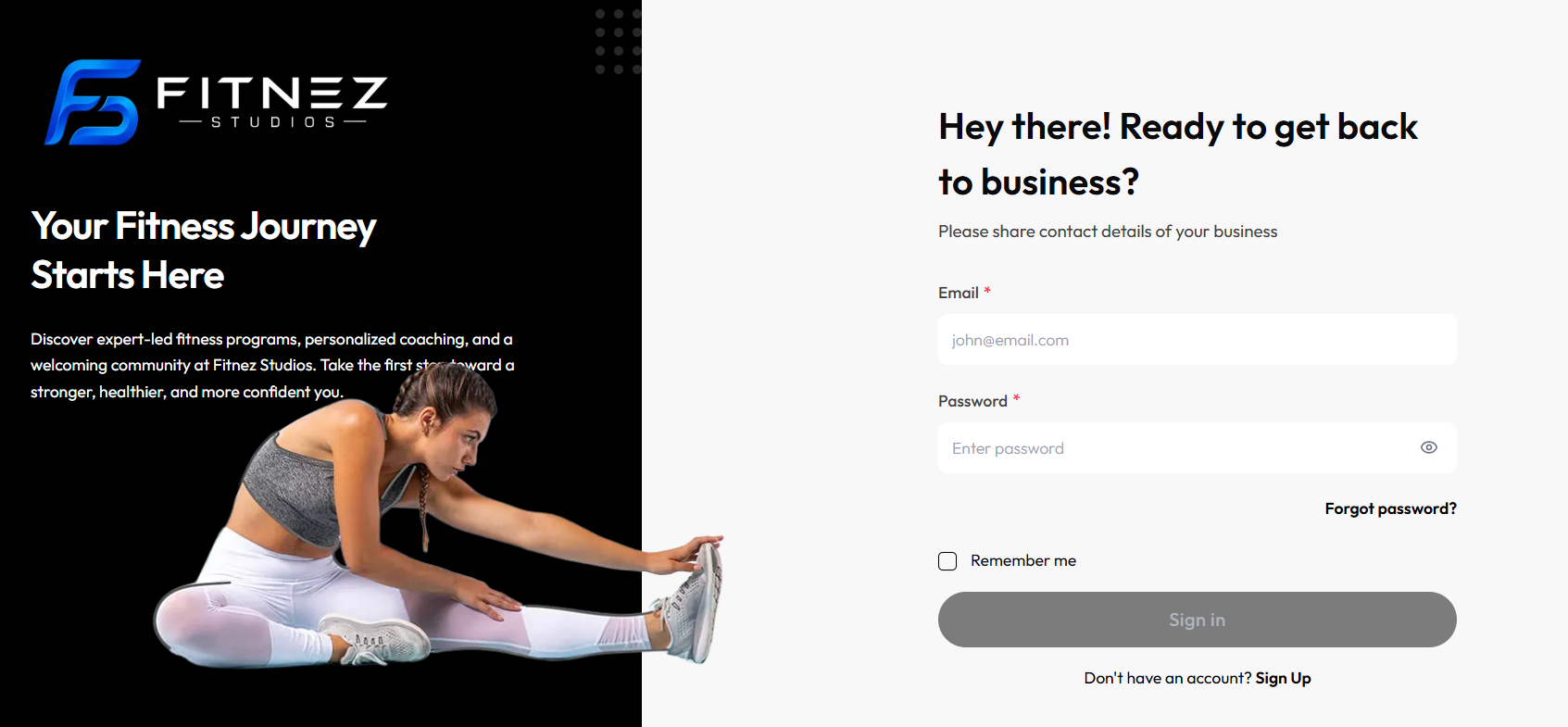
Workflow — Reset a Forgotten Password
Sign in → Forgot password? → Email → Submit → Reset Link Sent
Step 1 — Open the Login Page
See Signing In.
Step 2 — Click Forgot Password?
Page heading: Forgot Password?
Helper: Enter your email, we’ll help you get back in.
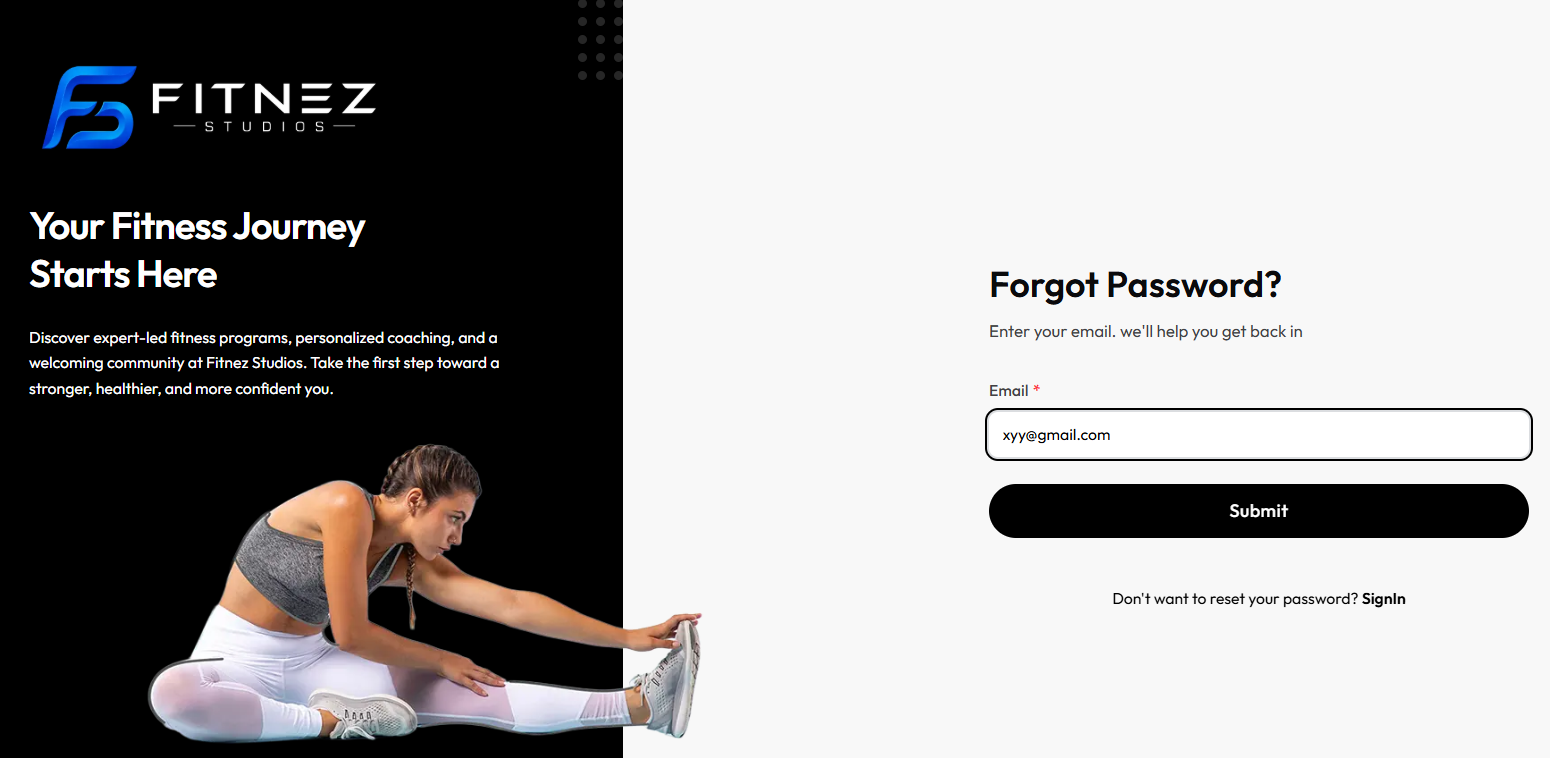
Step 3 — Enter Email * and Click Submit
Enter the Email for your staff account — for example daniel.murphy@email.com.
To go back without resetting: Don’t want to reset your password? SignIn.
Step 4 — Read Reset Link Sent
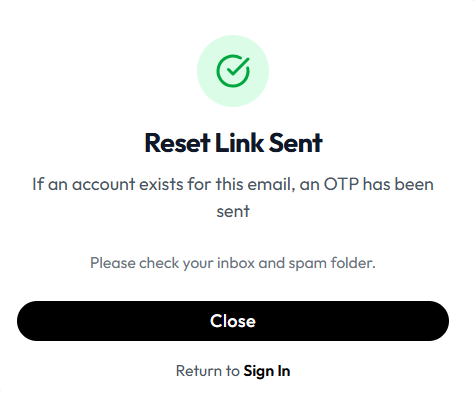
- Heading: Reset Link Sent
- If an account exists for this email, an OTP has been sent
- Please check your inbox and spam folder.
- Close
- Return to Sign In
The heading says Reset Link Sent. The body says an OTP has been sent if an account exists for that email. The product does not show a delivery time on this screen.
The screen where you enter the OTP or set a new password is not captured yet. This guide does not describe those fields.
Do not share the message or OTP with anyone else.
If You Still Cannot Get In
- Use the same Email as User profile / People → Members.
- Ask an administrator to confirm the account is Active. See Team Member Actions.
- After you can sign in, use Change Password on User profile.
Keeping Your Account Secure
Use this checklist whenever you work in Fitnez Studio.
Security Checklist
- Use a strong, unique password. The product asks for at least 8 characters on Change Password and when an admin Creates a Member.
- Never share your password, even with a teammate.
- Sign Out on a shared or public computer (Logout in the header, Log out in the sidebar or on Settings).
- Avoid saving the password in the browser on a shared device. The login form includes Remember me.
- Do not forward or share a password-reset message or OTP if you receive one.
- If package or wallet activity looks wrong, check Recent Activity and tell an administrator.
- If you cannot sign in, use Forgot Password? or ask an admin — do not borrow another account.
There is no authenticator or two-factor option on the Sign in form. This page does not tell you to turn on 2FA. Reset Link Sent can mention an OTP — that is not a second step on Sign in.
Never share your password with another person, even if they are a member of your team.
Why Individual Accounts Matter
Administrators and staff should each sign in as themselves.
- Shared accounts make it harder to know who made a change
- Weaker accountability when something goes wrong
- Harder to investigate a mistake
- A poorer trail on Recent Activity
Your account and Recent Activity are connected.
When you act while signed in, Fitnez Studio can show your name on package and wallet events. Example: if Daniel Murphy is signed in in Dublin and a package is sold to Emma Wilson, Recent Activity can show Daniel Murphy on that row. Using individual accounts helps the feed show who performed an action.
Booking cancellations are not listed on the current activity captures. See Who Changed This?.
Personal Information Versus Business Information
| Personal (User profile) | Business (elsewhere) |
|---|---|
| First name, last name, email, phone, photo, designation, gender, date of birth, password | Studio name, address, website, logos, theme — Website & Branding |
| Your role (read-only on the header menu) | Booking, class, and payment rules — Settings |
The header menu includes Settings. That opens WORKSPACE Settings: Account → Profile (Manage your personal account details, photo, and password.), Business details, Configuration, and Log out (Sign out of your account on this device.). Do not change business hours or booking rules on User profile.