View Training Programs
Use Training → Training Programs to see every type of training your studio offers before you create or edit one.
Where to Look
Open Training → Training Programs in the left-hand menu.
The Training group also includes Classes, Booking, and Packages. Programs are the types. Classes are the sessions.
What the List Shows
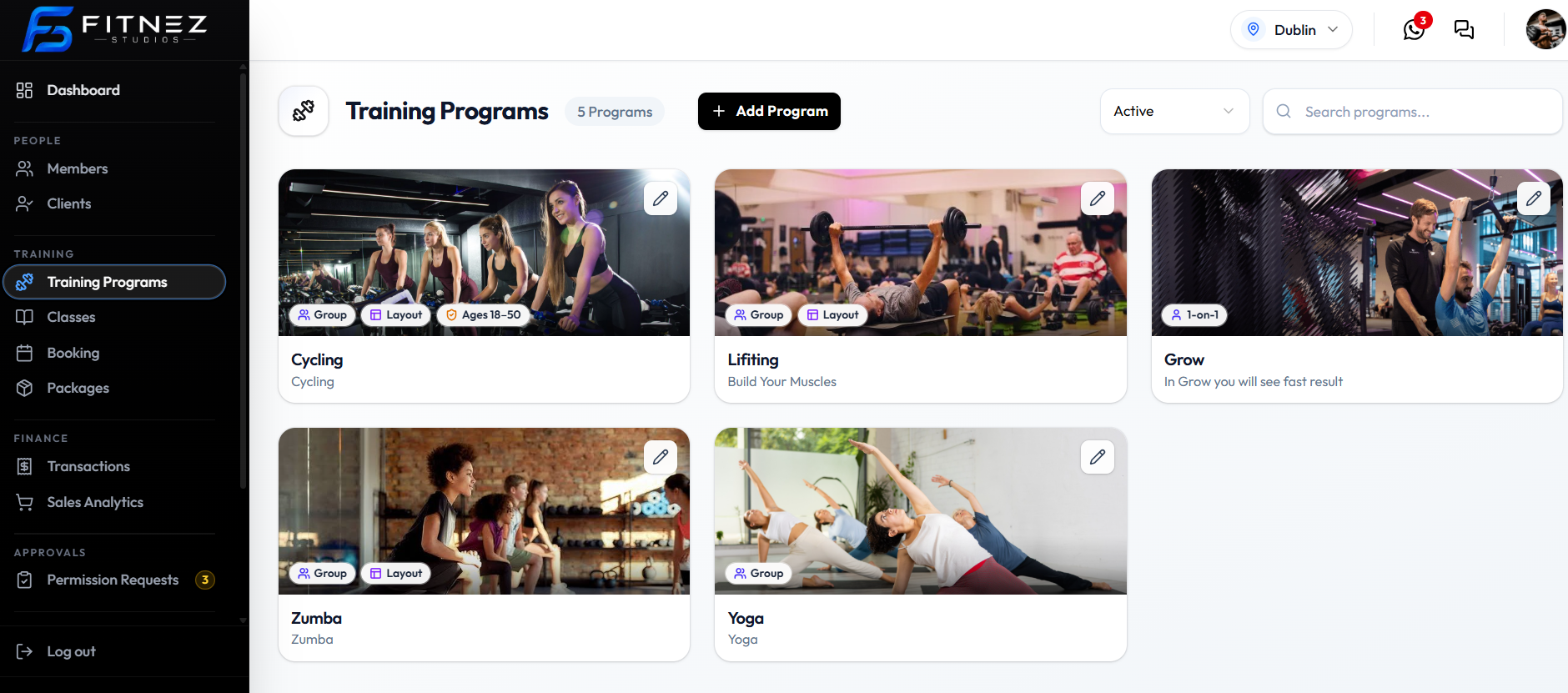
The page title is Training Programs, with a count badge such as 5 Programs.
Each card can show:
| On the card | What appears on the capture |
|---|---|
| Cover image | Program artwork |
| Group or 1-on-1 | Training type badge |
| Layout | Shown when Layout Required is on |
| Ages 18-50 (example) | Shown when Age Restriction is on |
| Title and details text | Matches Program Title and Program Details |
| Pencil control | Opens Edit Program |
Use + Add Program to Create a Training Program.
Search Programs
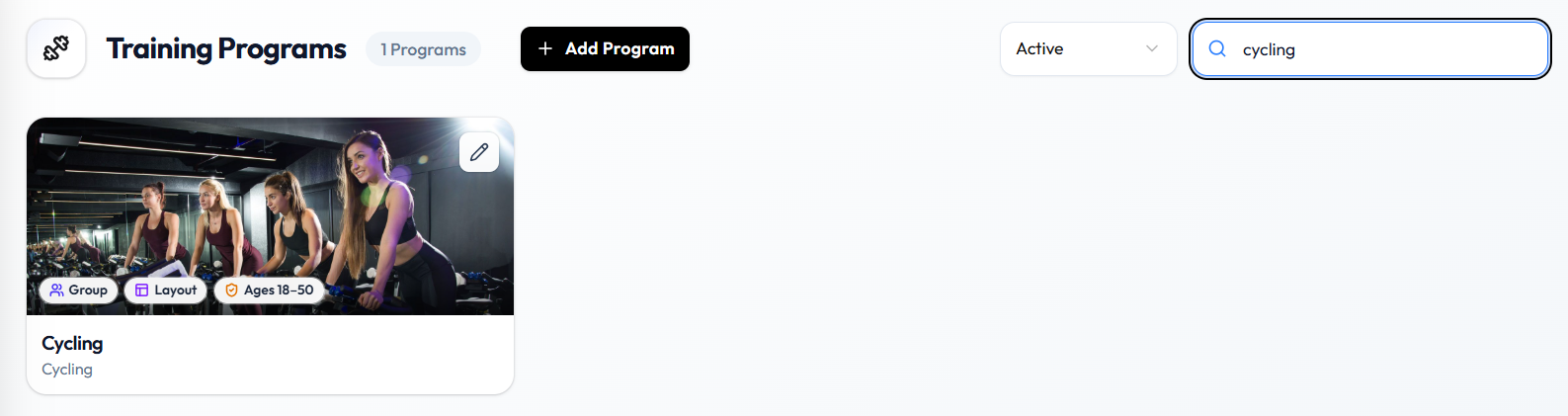
Type in Search programs…. The list narrows to matching programs, and the count updates (for example 1 Programs when you search cycling).
Filter by Status
Open the status filter next to search. Confirmed options are Active and Inactive.
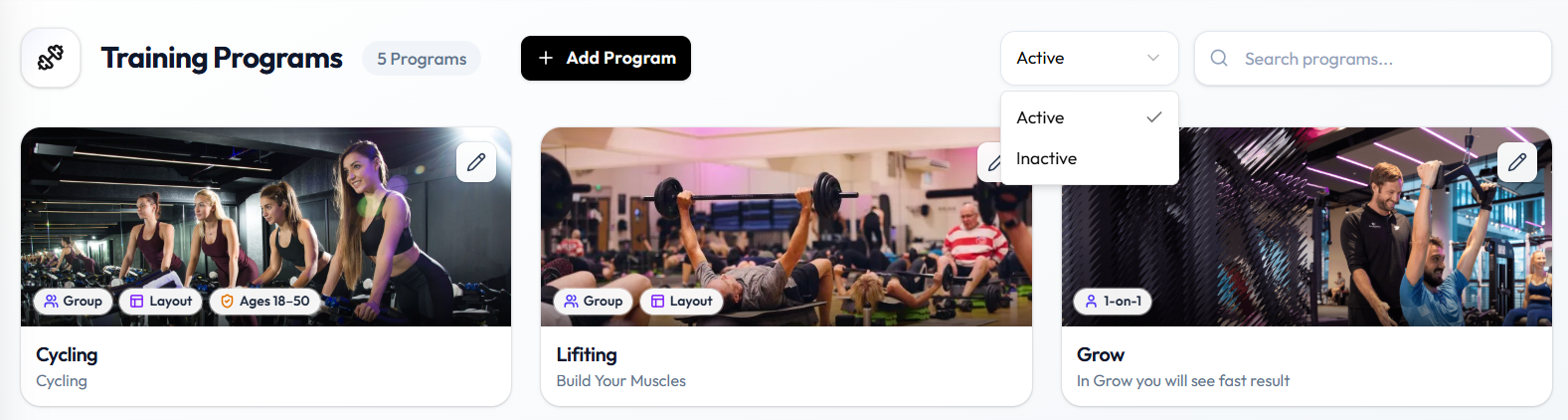
Status on the program form controls whether the program is active and visible to members. See Create a Training Program.
Change the Cover Image from the List
On a card, use Change image when it appears over the cover (for example on hover). That opens the image upload flow. See Add a Training Program Image.
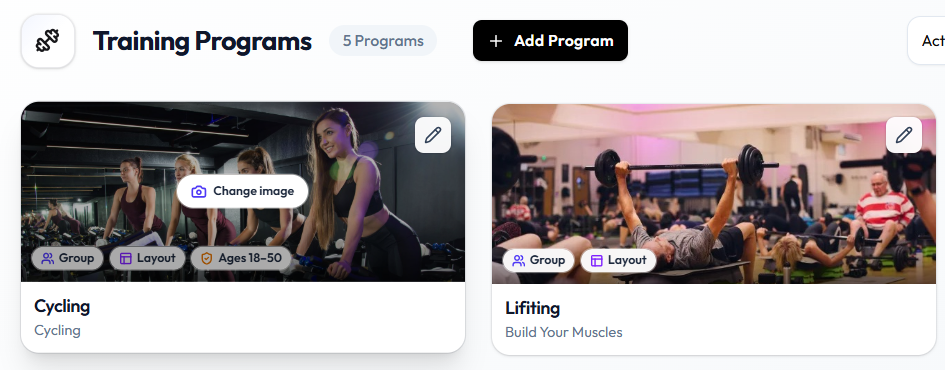
The pencil control edits the program. Change image updates the cover without opening the full edit form first.