Website Status: Published
The Website page shows status next to the title.
On the theme gallery and Details screens the status is Published (green).
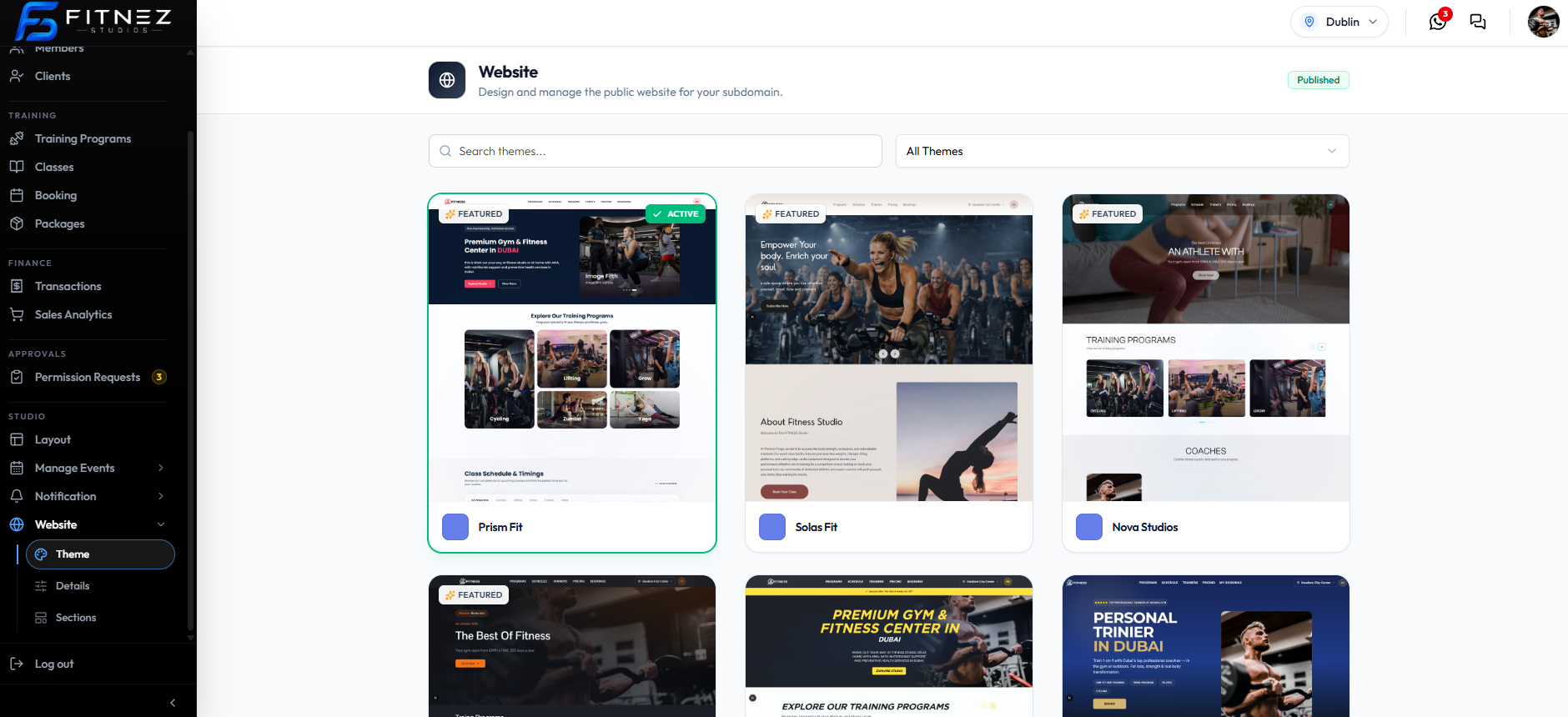
When you edit Details or Sections and have not saved, an orange Unsaved changes badge can appear next to Published.
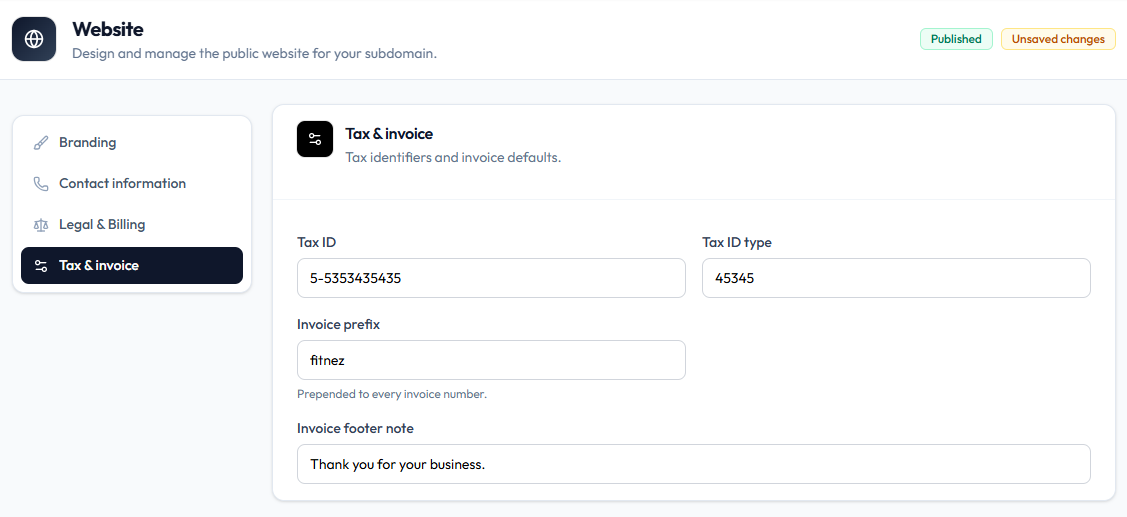
The subtitle is Design and manage the public website for your subdomain. That is the wording on screen for the public site.
Save Controls
| Place | Save action on the capture |
|---|---|
| Details → Branding | Reset, Save changes |
| Sections | Save sections, Export JSON |
Draft and a Publish / Unpublish button are not on these screenshots. Do not invent how you leave Published until that control is captured.
Related Articles
Last updated on