Troubleshooting — Permissions & Missing Buttons
Daniel Murphy and Sophie Bennett can see different buttons because they have different Roles. Do not share logins to borrow access.
Why Can’t I See This Button?
Check these first:
- Header Location (for example Dublin).
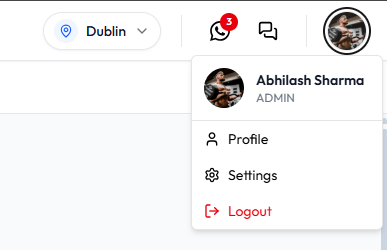
- Role under your name (ADMIN, or STAFF / TRAINER on Members).
- Getting Started still incomplete — some setup stays limited.
- The action needs Approval Requests (confirmed category: Wallet Credits).
- Required form fields are empty (for example Invite Member stays unavailable until required fields are filled).
See Why a Feature Is Not Visible.
A greyed-out button is not always a permissions problem.
Why Can Another Staff Member See It?
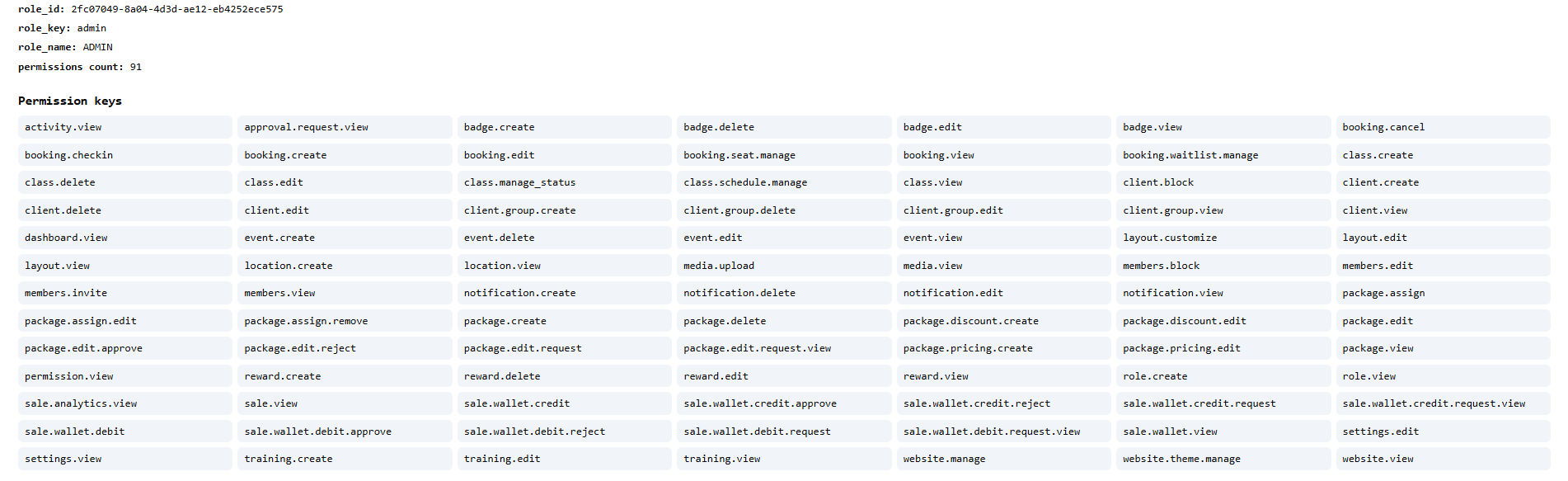
They have a different User Type and Role. ADMIN permission keys (91 on the captured list) include create/edit actions that other roles may not have.
See Checking What You Are Allowed to Do and Roles.
You cannot change your own role on User profile.
Why Can I See a Page but Not Edit It?
View is not edit. Example keys on the ADMIN list: booking.view versus booking.create / booking.edit.
If you can open All Bookings but cannot complete a change, you may need a manager, or the action may be Cancel booking only on that menu.
Why Can’t I Perform This Action?
- Check role and Permissions.
- For wallet money you cannot change yourself, Raise a Request.
- Confirm Settings if the feature is a studio rule (booking windows are in Settings; those screens are not fully documented).
- Confirm you are in the correct location.
Do not bypass access controls.