Client Packages
Use the Packages tab on the full client page to see packages attached to this member.
The catalogue of what you sell is Training → Packages. Staff how-tos for assign, adjust sessions, and remove are on Packages on a Member.
Where to Look
- Open People → Clients.
- Open the full client page.
- Select Packages.
The header also shows group badges (for example Multiple Classes) and wallet. Those are not the package list.
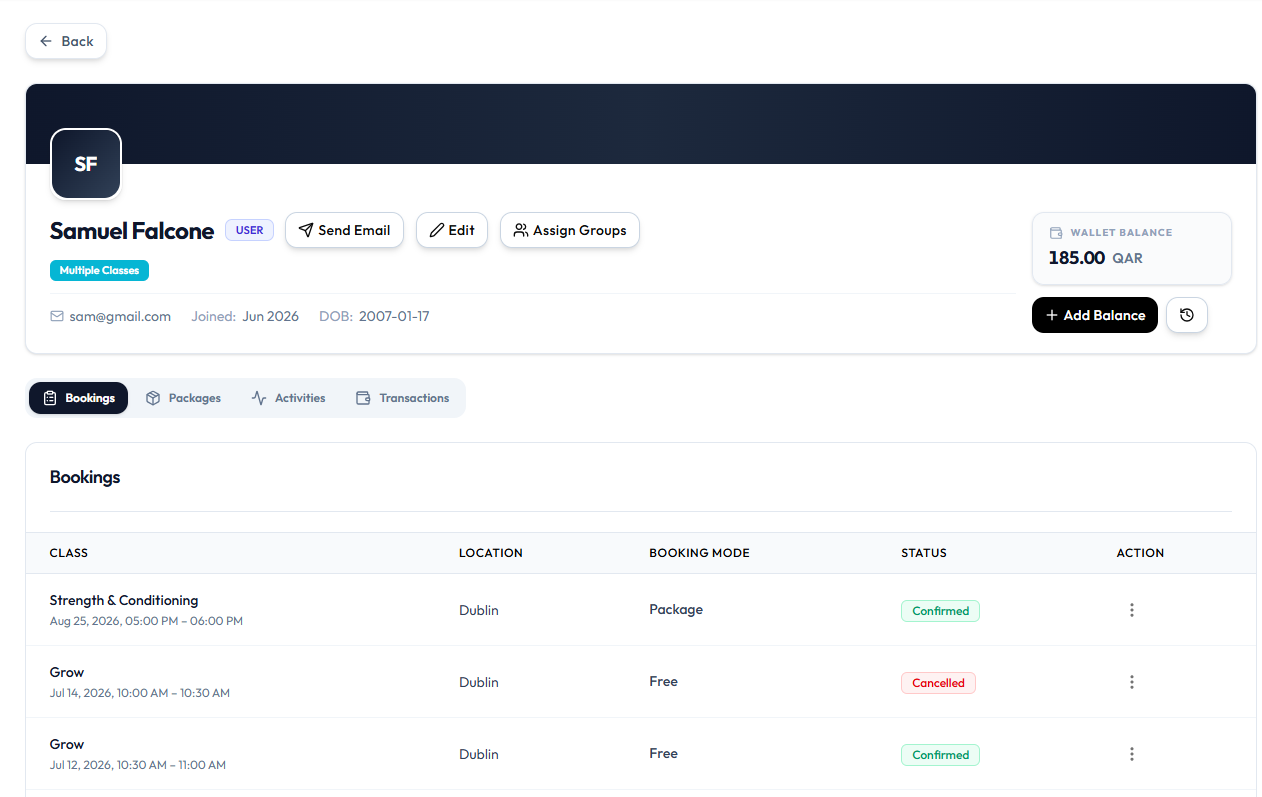
The Packages tab is on the client page. The list of held packages (sessions remaining, expiry) is not in the current screenshots. Use the labels Fitnez Studio shows on that tab.
Related Articles
Last updated on