Viewing a Member’s Wallet History
Wallet history is the list of credits and debits for one member’s wallet. Use it when a client queries a balance, or when a manager reviews what staff changed.
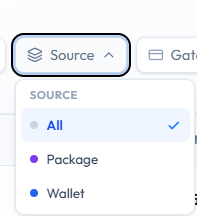
On the studio ledger, wallet-related rows can be found with Finance → Transactions → Source → Wallet.
Credit and Debit on Screen
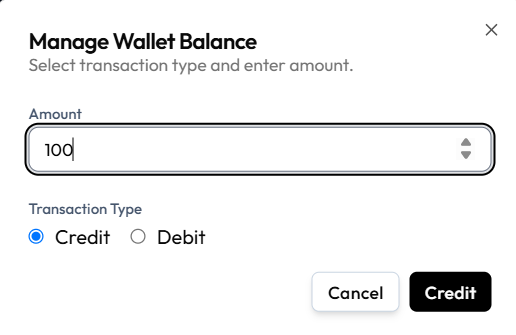
Manage Wallet Balance records a change with Amount and Transaction Type (Credit or Debit).
A separate history table (columns such as reason or balance after) is not in the current screenshots.
Until a dedicated wallet history screen is captured, use Source → Wallet on Transactions and the Credit/Debit dialog as the confirmed wallet money trail.
Workflow — Review Wallet Activity
Step 1 — Open Transactions (studio-wide)
Finance → Transactions → Source → Wallet. Optionally filter by date or search the client name.
Step 2 — Or open the member
People → Clients → open the member → open wallet if Fitnez Studio shows a history list there.
Step 3 — Match amounts
Compare AMOUNT, STATUS, and DATE to what the client expects. Use ⋯ → Copy txn ref if you need the full reference.