Spot Reservation
Spot reservation is the switch that lets a member choose a specific spot — a bike, mat, or station — when they book.
The help topic plan and the Settings outline include this as a setting: Let members reserve a specific spot.
On the training program form, Layout Required marks that the program needs a floor plan. That is separate from the member spot-reservation setting.
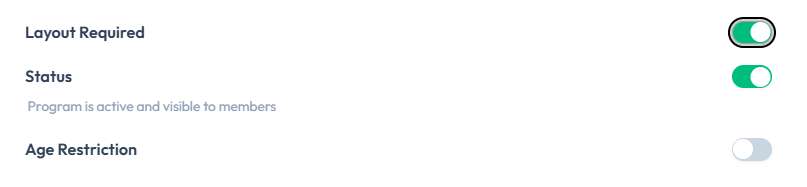
There is no screenshot of the member booking screen or of the Settings spot-reservation control itself. Confirm the exact member experience in Fitnez Studio before you train front desk on it.
When Spot Reservation is Off
Members book the class, not a numbered position. Staff may still see a layout for the room, but the member does not choose a spot at booking time.
What staff can change later on the class roster is covered in Choose & Change Spots.
When Spot Reservation is On
Members should be able to pick an available spot on the layout when they book.
Until the booking screen is captured, this guide does not confirm:
- Whether they choose the spot during booking or after
- Whether taken spots are hidden or shown as unavailable
- Whether the selected spot is stored on the booking
- What the member sees if every spot is taken (for example the waiting list)
How This Connects to Layouts
Spot reservation only helps if the class uses a layout with spots to choose from. A class with capacity but no layout is not enough to assume members can pick a position.
Settings may also include Enable multiple floor layouts. That is a separate switch from spot reservation.