Creating a Badge
Create a badge so you can attach it as a badge reward and so members have something recognisable to earn.
Use a short name and a clear icon — for example Fitness Streak.
Workflow — Create a Badge
Badges → + Create Badge → Name → Icon → Create Badge
Step 1 — Open Badges
Open Studio → Manage Events → Badges.
Step 2 — Click Create Badge
Click + Create Badge. The modal title is Create Badge. The subtitle is: Add an achievement badge to reward your members’ milestones.
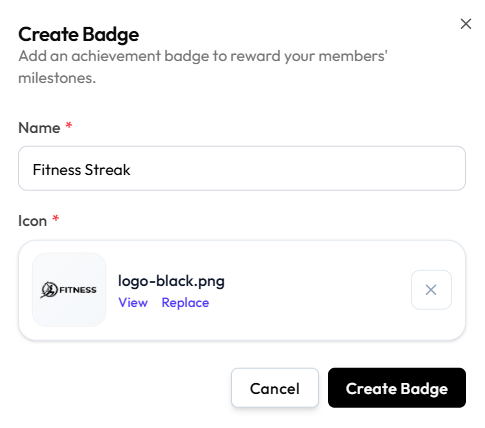
Step 3 — Add name and icon
| Field | What it is |
|---|---|
| Name | Required. For example Fitness Streak |
| Icon | Required. Upload an image. After upload you can View, Replace, or clear with X |
There is no description field on this form. Achievement criteria belong on the challenge, not on the badge.
No file-size or pixel limits are shown.
Step 4 — Save
Click Create Badge, or Cancel / X.
The badge appears under All Badges with its icon, name, and ID.
Related Articles
Last updated on